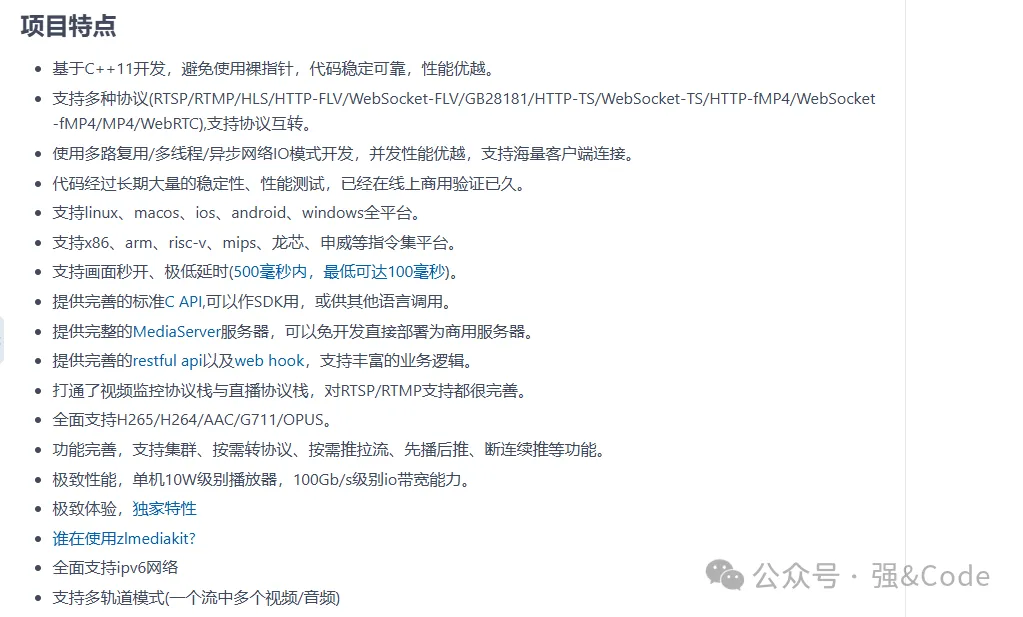
 。只恨没有早点发现这个框架。
2、安装一些Ubuntu需要的包
#除了openssl,其他其实都可以不安装
sudo apt-get install libssl-dev
sudo apt-get install libsdl-dev
sudo apt-get install libavcodec-dev
sudo apt-get install libavutil-dev
sudo apt-get install ffmpeg
3、下载代码,安装子模块
git clone https://github.com/ZLMediaKit/ZLMediaKit
切记不要使用下载zip的包的源码,因为后面还需要使用git更新下子模块
cd ZLMediaKit
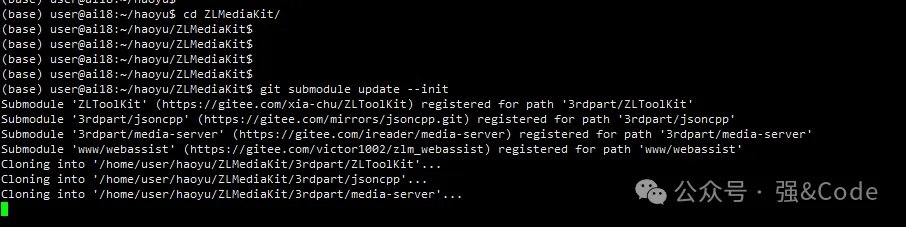
#切记不能忘记这个命令
git submodule update --init
4、构建编译项目
mkdir build
cd build
cmake ..
make -j4
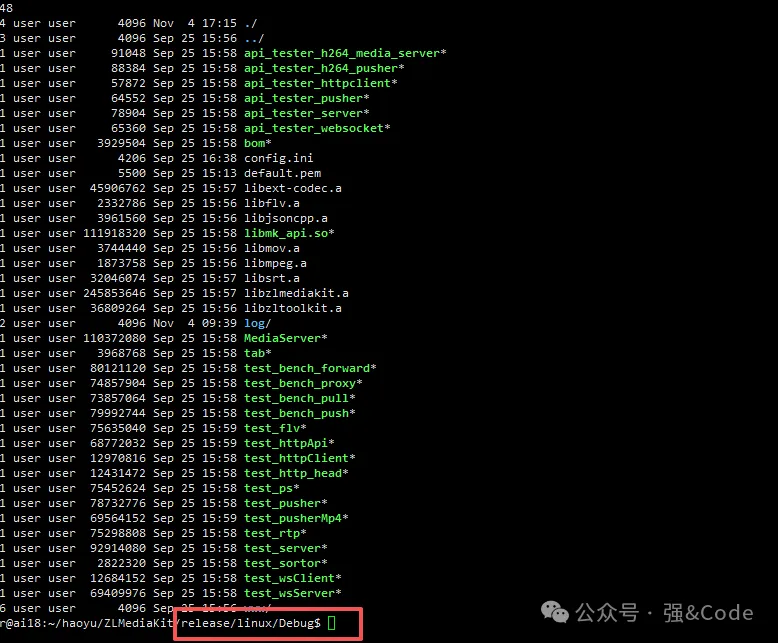
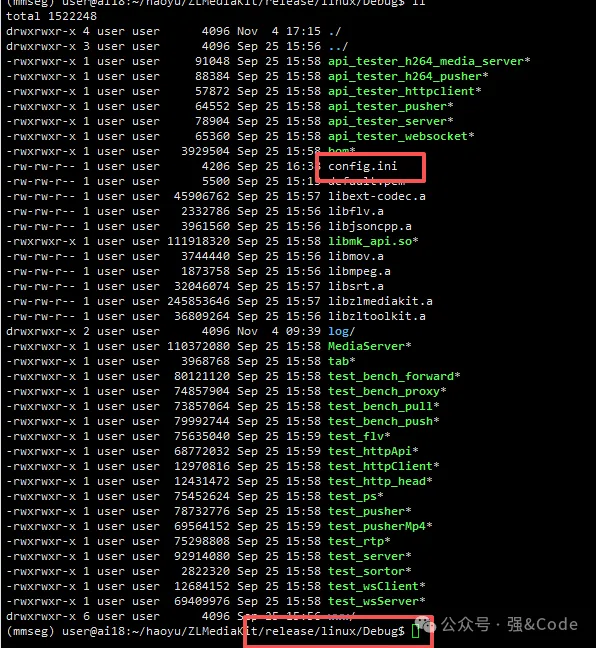
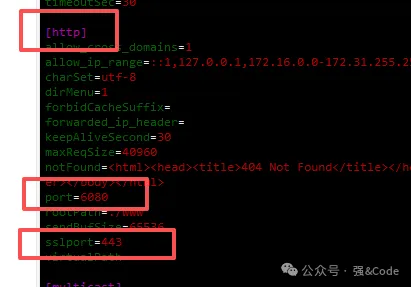
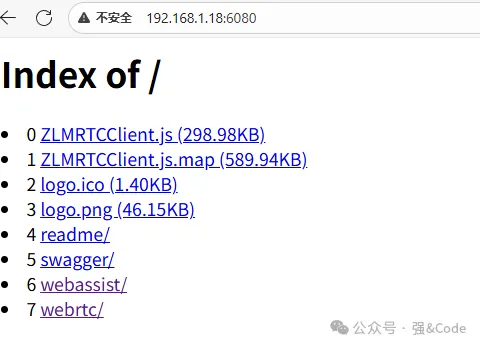
5、启动
./MediaServer -d &
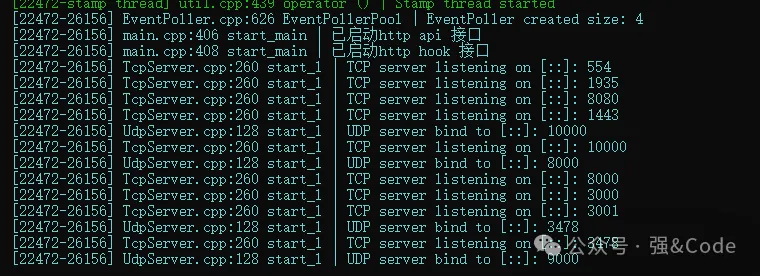
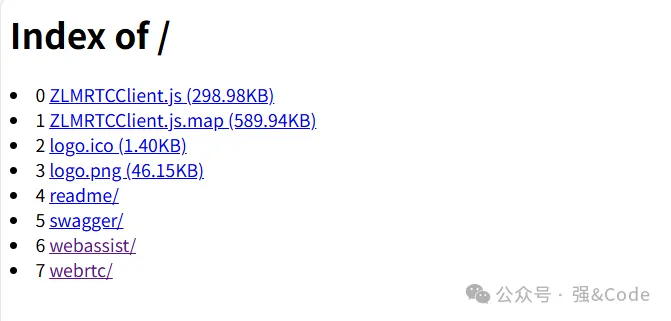
找一段视频,利用ffmpeg进行推流测试。
#如果未安装FFmpeg,你也可以用obs推流
ffmpeg -re -i "/path/to/test.mp4" -vcodec h264 -acodec aac -f flv rtmp://127.0.0.1/live/test
# RTMP标准不支持H265,但是国内有自行扩展的,如果你想让FFmpeg支持RTMP-H265,请按照此文章编译:https://github.com/ksvc/FFmpeg/wiki/hevcpush

 微信扫一扫,打赏作者吧~
本文链接:https://www.jingber.cn/post/3802.html 转载需授权!