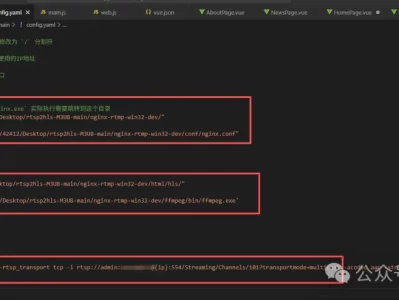
一、下载Nginx及响应模块
首先,去官方下载Nginx,还需要下载nginx-rtmp-module模块,将模块复制到Nginx的文件夹下面如图。
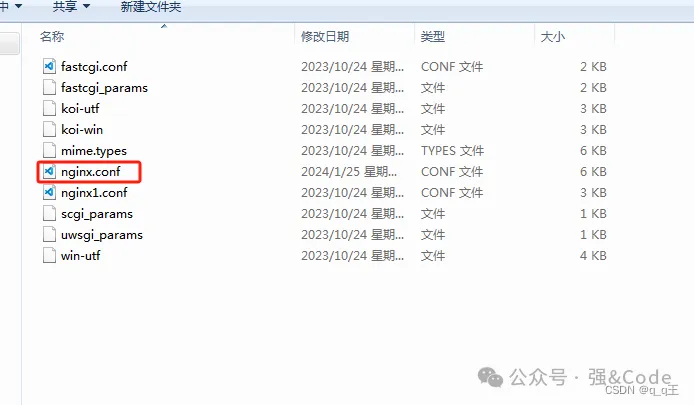
二、修改config文件
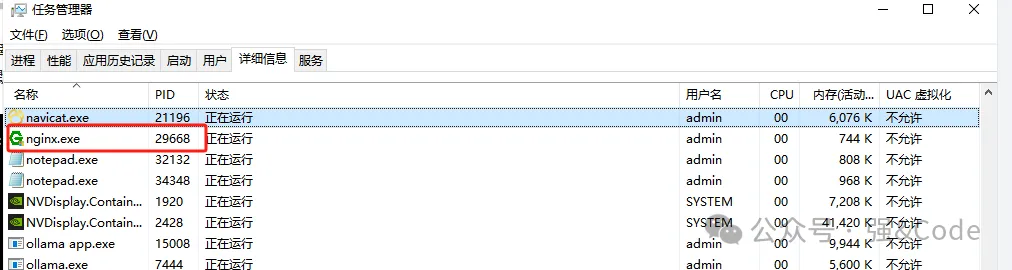
修改conf文件夹下面的conf文件,可复制里面的nginx.conf重命名,也可直接修改。
#user nobody;
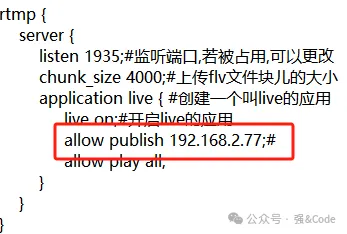
# multiple workers works !worker_processes 2;#error_log logs/error.log;#error_log logs/error.log notice;#error_log logs/error.log info;#pid logs/nginx.pid;events {worker_connections 8192;# max value 32768, nginx recycling connections+registry optimization =# this.value * 20 = max concurrent connections currently tested with one worker# C1000K should be possible depending there is enough ram/cpu power# multi_accept on;}rtmp {server {listen 1935;#监听端口,若被占用,可以更改chunk_size 4000;#上传flv文件块儿的大小application live { #创建一个叫live的应用live on;#开启live的应用allow publish 192.168.2.77;#allow play all;}}}http {#include /nginx/conf/naxsi_core.rules;include mime.types;default_type application/octet-stream;#log_format main '$remote_addr:$remote_port - $remote_user [$time_local] "$request" '# '$status $body_bytes_sent "$http_referer" '# '"$http_user_agent" "$http_x_forwarded_for"';#access_log logs/access.log main;# # loadbalancing PHP# upstream myLoadBalancer {# server 127.0.0.1:9001 weight=1 fail_timeout=5;# server 127.0.0.1:9002 weight=1 fail_timeout=5;# server 127.0.0.1:9003 weight=1 fail_timeout=5;# server 127.0.0.1:9004 weight=1 fail_timeout=5;# server 127.0.0.1:9005 weight=1 fail_timeout=5;# server 127.0.0.1:9006 weight=1 fail_timeout=5;# server 127.0.0.1:9007 weight=1 fail_timeout=5;# server 127.0.0.1:9008 weight=1 fail_timeout=5;# server 127.0.0.1:9009 weight=1 fail_timeout=5;# server 127.0.0.1:9010 weight=1 fail_timeout=5;# least_conn;# }sendfile off;#tcp_nopush on;server_names_hash_bucket_size 128;## Start: Timeouts ##client_body_timeout 10;client_header_timeout 10;keepalive_timeout 30;send_timeout 10;keepalive_requests 10;## End: Timeouts ###gzip on;server {listen 80;server_name localhost;#charset koi8-r;#access_log logs/host.access.log main;## Caching Static Files, put before first location#location ~* \.(jpg|jpeg|png|gif|ico|css|js)$ {# expires 14d;# add_header Vary Accept-Encoding;#}# For Naxsi remove the single # line for learn mode, or the ## lines for full WAF modelocation / {#include /nginx/conf/mysite.rules; # see also http block naxsi include line##SecRulesEnabled;##DeniedUrl "/RequestDenied";##CheckRule "$SQL >= 8" BLOCK;##CheckRule "$RFI >= 8" BLOCK;##CheckRule "$TRAVERSAL >= 4" BLOCK;##CheckRule "$XSS >= 8" BLOCK;root html;index index.html index.htm;}# For Naxsi remove the ## lines for full WAF mode, redirect location block used by naxsi##location /RequestDenied {## return 412;##}## Lua examples !# location /robots.txt {# rewrite_by_lua '# if ngx.var.http_host ~= "localhost" then# return ngx.exec("/robots_disallow.txt");# end# ';# }#error_page 404 /404.html;# redirect server error pages to the static page /50x.html#error_page 500 502 503 504 /50x.html;location = /50x.html {root html;}# proxy the PHP scripts to Apache listening on 127.0.0.1:80##location ~ \.php$ {# proxy_pass http://127.0.0.1;#}# pass the PHP scripts to FastCGI server listening on 127.0.0.1:9000##location ~ \.php$ {# root html;# fastcgi_pass 127.0.0.1:9000; # single backend process# fastcgi_pass myLoadBalancer; # or multiple, see example above# fastcgi_index index.php;# fastcgi_param SCRIPT_FILENAME $document_root$fastcgi_script_name;# include fastcgi_params;#}# deny access to .htaccess files, if Apache's document root# concurs with nginx's one##location ~ /\.ht {# deny all;#}}# another virtual host using mix of IP-, name-, and port-based configuration##server {# listen 8000;# listen somename:8080;# server_name somename alias another.alias;# location / {# root html;# index index.html index.htm;# }#}# HTTPS server##server {# listen 443 ssl spdy;# server_name localhost;# ssl on;# ssl_certificate cert.pem;# ssl_certificate_key cert.key;# ssl_session_timeout 5m;# ssl_prefer_server_ciphers On;# ssl_protocols TLSv1 TLSv1.1 TLSv1.2;# ssl_ciphers ECDH+AESGCM:ECDH+AES256:ECDH+AES128:ECDH+3DES:RSA+AESGCM:RSA+AES:RSA+3DES:!aNULL:!eNULL:!MD5:!DSS:!EXP:!ADH:!LOW:!MEDIUM;# location / {# root html;# index index.html index.htm;# }#}}
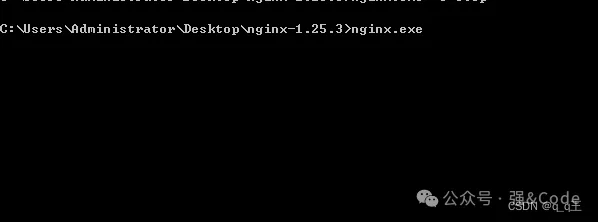
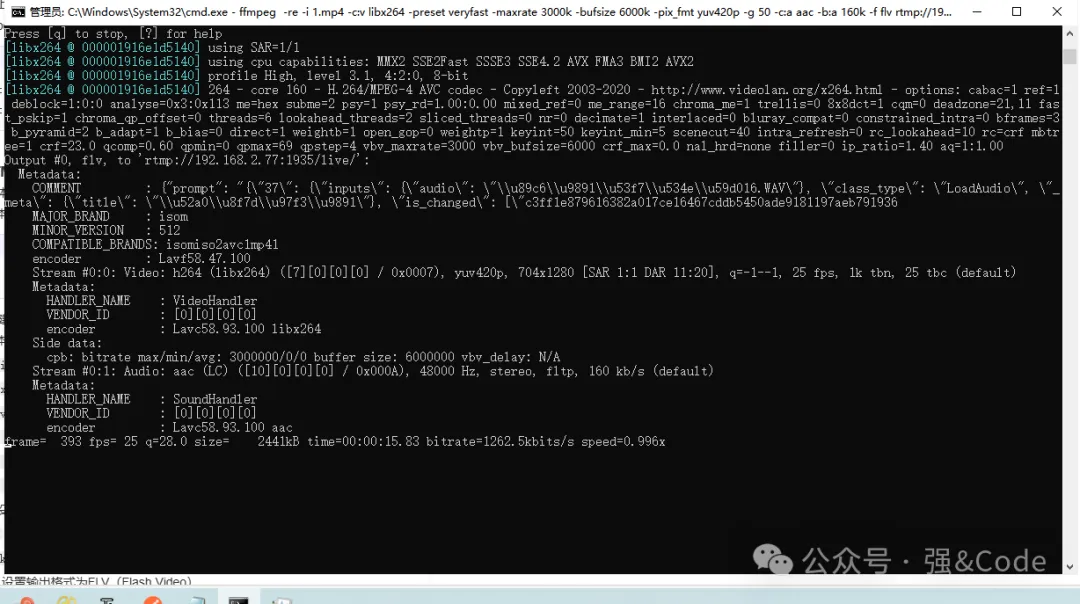
ffmpeg -re -i 1.mp4 -c:v libx264 -preset veryfast -maxrate 3000k -bufsize 6000k -pix_fmt yuv420p -g 50 -c:a aac -b:a 160k -f flv rtmp://192.168.2.77:1935/live/
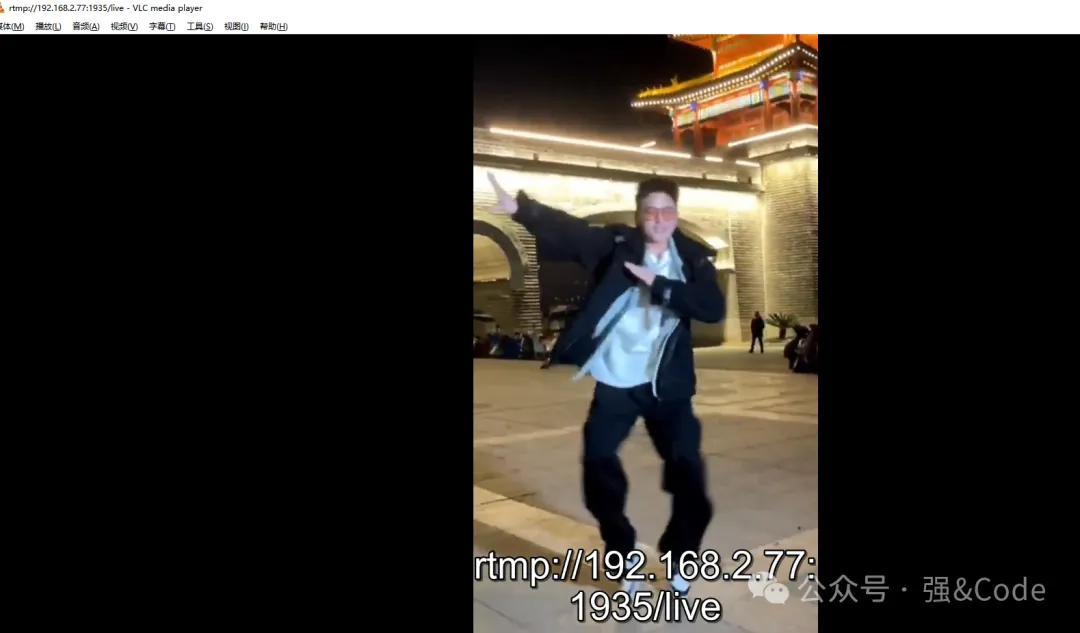
 ,一键搭建自己的直播服务器。GitHub上面500多star。
 微信扫一扫,打赏作者吧~
本文链接:https://www.jingber.cn/post/3803.html 转载需授权!